Omdaa Interactive Messages: Buttons, Lists, Polls & Templates
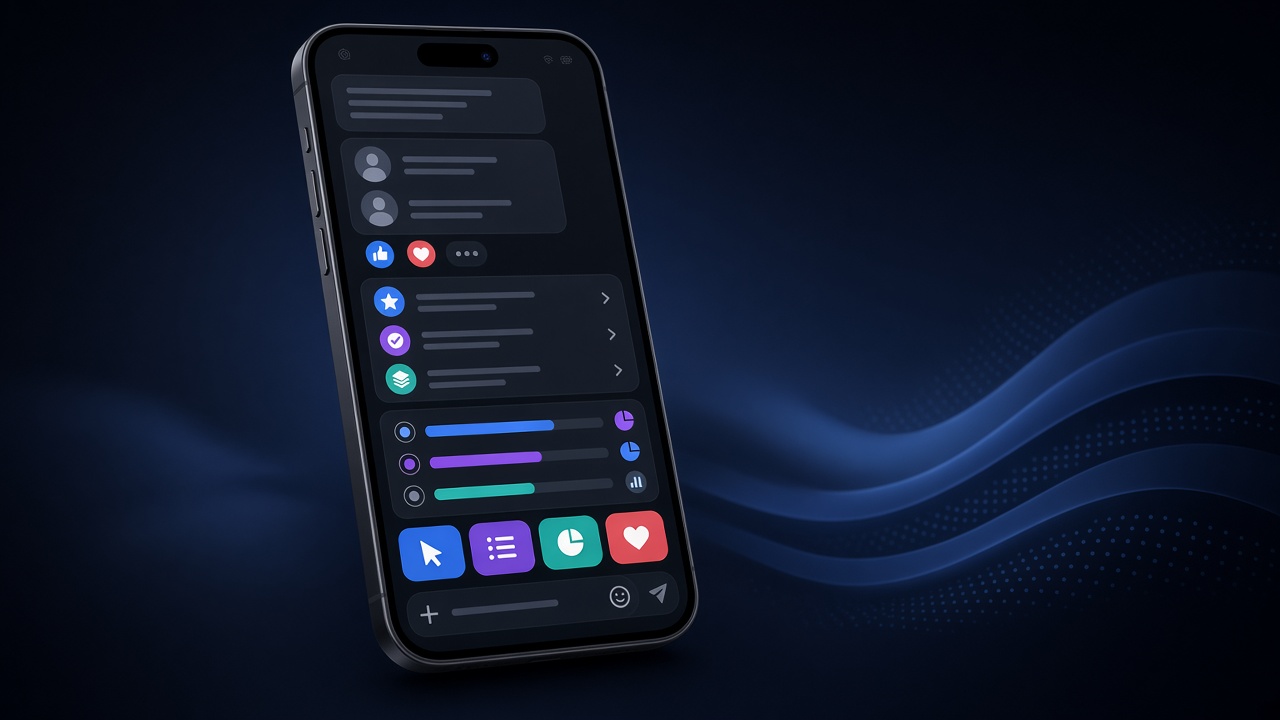
Use /dashboard/interactive, /dashboard/templates, and APIs for quick-reply buttons, lists, polls, renderable templates, plus rich media (voice, stickers, reactions).
UX on WhatsApp
Fewer first-screen choices; clear human-escalation button; one survey question per bubble; reuse templates for FAQs. Route button picks through webhooks→n8n into CRM. Combine with OpenAI only after fixed FAQ button paths exist.
Measuring interactivity
Track per-button tap rates and places users type free text instead (unclear buttons). Improve copy, not just button count. Close poll loops with thanks + internal action on low scores.
Test bilingual templates and RTL Arabic layouts so meaning survives.
Store menu sequence example
Welcome → list (new order / track / complain) → size/payment buttons → summary confirm → pay or human. Each step updates the order via webhook and cuts free-text errors.
Frequently Asked Questions
Buttons on all devices?
On supported WhatsApp clients — test Android/iOS.
Template vs button?
Template = reusable content; button = interactive control.
Poll results?
Via poll result APIs/UI when enabled.
Meta Cloud templates?
Separate Cloud path; this guide is Omdaa sessions.
Start free: Create account · Dashboard · Docs