n8n on Omdaa: WhatsApp Automation with Sheets, Slack & CRM
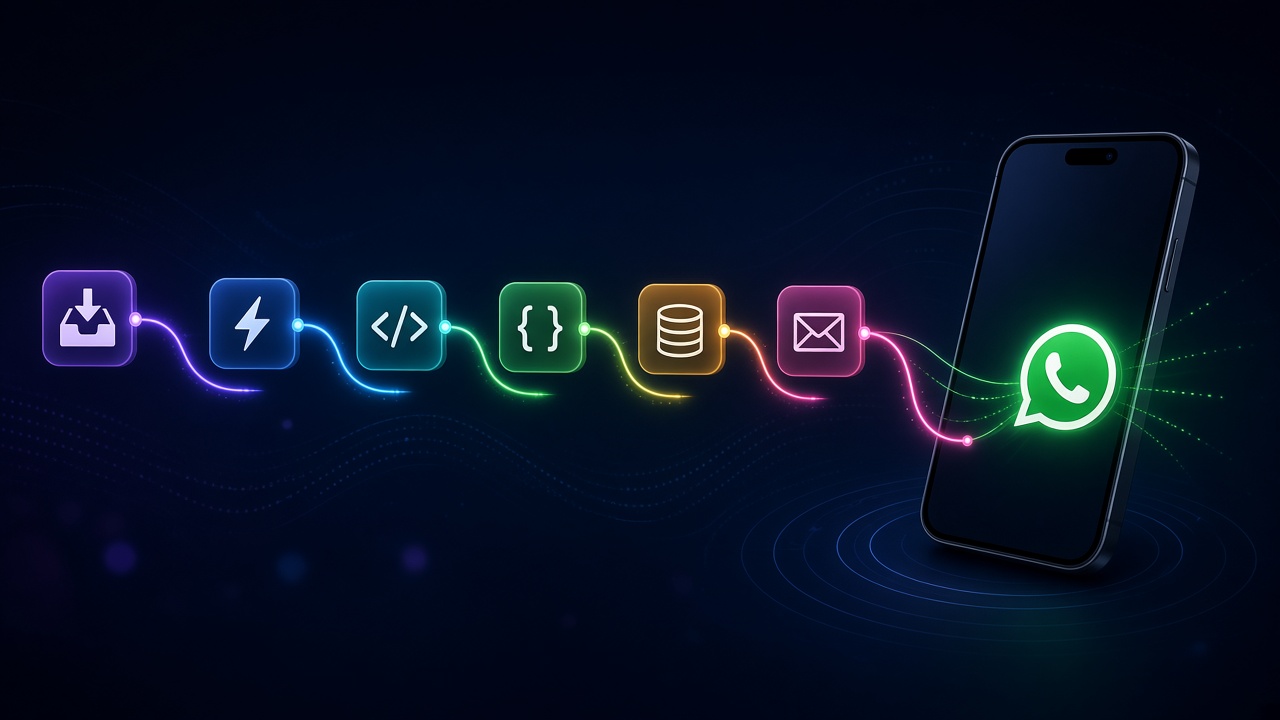
/dashboard/n8n binds an n8n bot to a WhatsApp session so inbound messages start cloud or self-hosted workflows. Marketing page: omdaa.com/n8n.
Useful patterns
- Inbound → keyword route → canned reply or helpdesk ticket.
- New lead → Google Sheets row + Slack alert.
- Order confirm → Shopify/ERP HTTP update.
- After-hours auto-reply → morning human queue.
Practical setup
Connected session → n8n binding/webhook → minimal workflow returning 200 → escalation branch → watch n8n execution logs. Keep secrets in n8n Credentials. Add OpenAI/Agents after routing is stable.
n8n limits to respect
Executions have timeouts/memory. Prefer URLs over huge binaries in-flow. For inbound spikes, queue ahead of n8n or shard webhooks.
Enable an Error Workflow for alerts. Retry with jitter. Keep prod credentials separate from sandboxes.
Governance
Who edits prod workflows? Use staging copies. Document purpose, owner, and data risk per flow. Omdaa delivers events; automation quality is yours.
End-to-end support flow example
Inbound webhook → IF contains “refund” → high-priority ticket + ack → else FAQ template → else capped OpenAI node → else human queue. Each branch appends an audit row to Sheets. Covers most small tickets without custom code.
Frequently Asked Questions
Cloud or self-hosted n8n?
Either, if Omdaa can reach the webhook.
Zapier instead?
Possible via generic webhooks; n8n is deeper.
Workflow limits?
Your n8n plan; Omdaa delivers events.
Repeated failures?
Check URL, TLS, and latency.
Start free: Create account · Dashboard · Docs