Sign in with Omdaa: OIDC Identity for Your Apps & Omdaa Code
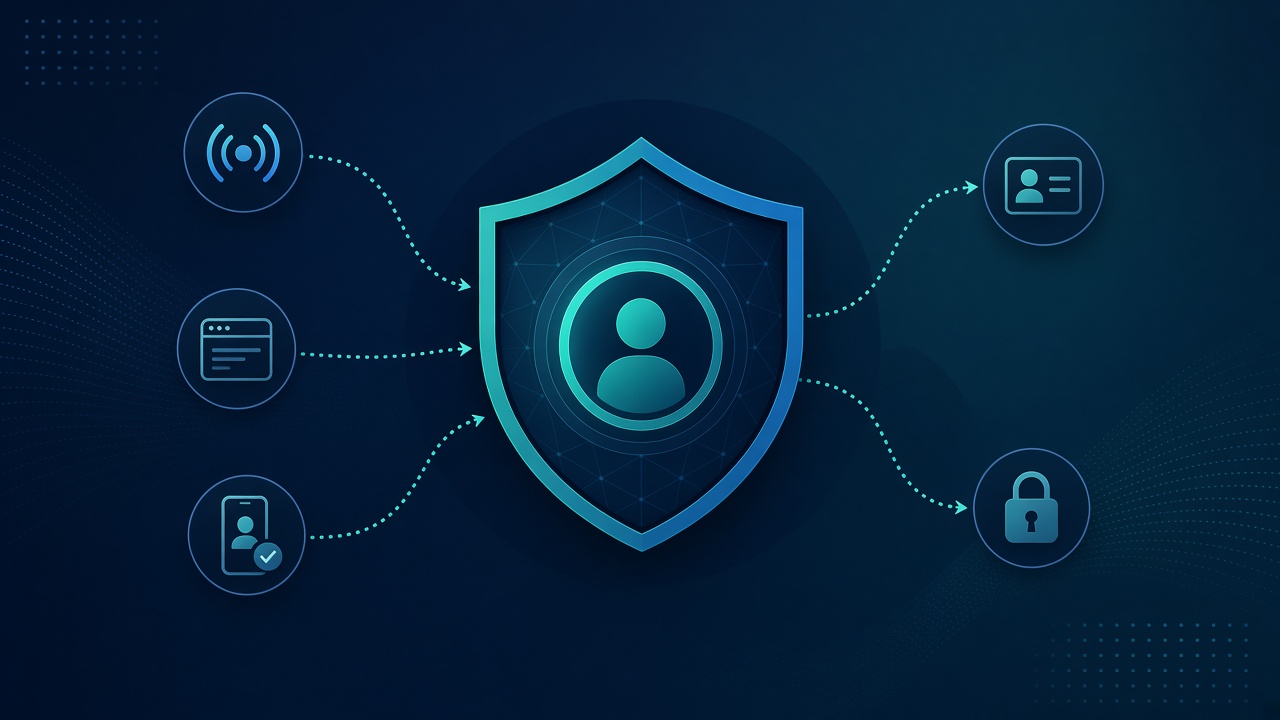
Sign in with Omdaa provides OIDC for third-party and internal apps. Start at DevPortal Identity; manage links in Connected Apps.
Use cases
- B2B SaaS customer login with Omdaa accounts.
- Internal team portals.
- SSO into Omdaa Code.
Prefer Authorization Code flow, store tokens safely, let users revoke apps, and keep messaging API keys separate from identity tokens.
OIDC integration sketch
Register the app, take client id/secret, run Authorization Code (+PKCE for public clients), store refresh tokens safely, request minimal claims. Test Connected Apps revoke as an acceptance test.
Do not treat a WhatsApp session as your app’s user identity — OIDC for login, API keys/sessions for messaging. Mixing them breeds authz bugs.
Common OIDC mistakes
Wrong redirect URIs, skipping PKCE, using id_token as an API access token, skipping iss/aud checks. Cover login→refresh→logout→revoke in integration tests. See DevPortal Identity.
Frequently Asked Questions
Is OIDC GA?
Yes per DevPortal identity product status.
Replaces API keys?
No — keys for APIs; OIDC for end-user login.
Revoke an app?
Connected Apps in the dashboard.
Docs?
devportal/identity and developers.omdaa.com.
Start free: Create account · Dashboard · Docs