WhatsApp Sessions on Omdaa: QR, Monitoring & Reconnect
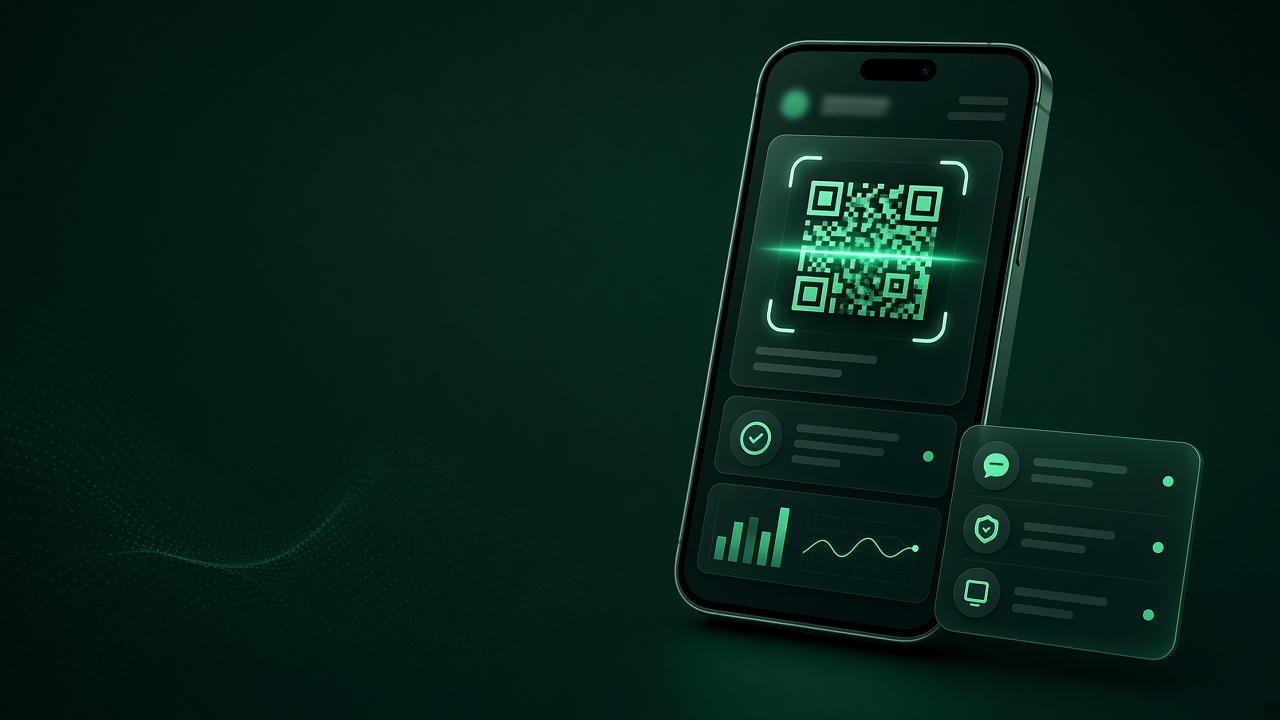
A Session is the runtime unit for Omdaa WhatsApp: without connected, sends fail even with a valid API key. Manage them at /dashboard/sessions and watch live health on Monitoring.
Lifecycle
Create → show QR → scan → connected → traffic. Expired QR or phone logout → disconnected/need-scan. Prefer regenerate QR over creating duplicate sessions so webhook settings stay attached.
Restart recovers stuck sockets; Pause freezes usage without deleting data. Diagnostics separate network/proxy issues from WhatsApp device state.
Production monitoring
Track latency and reconnects. Alert your team when a session drops (session webhook events or external probes). Do not pair the same number on local Baileys and Omdaa simultaneously.
Proxy & settings
Attach a proxy for restricted networks. Tune presence per support policy. Per-session webhook URLs help multi-number architectures.
Number hygiene
Dedicated business numbers, WhatsApp 2FA, avoid chaotic multi-device pairing. Warm new numbers before bulk. Pair with the WhatsApp API guide for REST usage.
Session states your team must know
connecting during QR, connected ready to send, disconnected after logout/network loss, plus re-scan states. Do not rely on UI color alone — wire session webhooks or careful polling into ops.
With multiple sessions (support, sales, alerts), name them clearly and map sessionId→team internally. Never blast marketing from the support line.
Recovering from drops
Checklist: device online? WhatsApp logged out? proxy dead? Restart, then fresh QR. Recurring hourly drops often mean flaky networks or device sleep. Dedicated always-on devices beat personal phones that reboot daily.
Environment isolation
Separate staging sessions from production. Never bulk-test on customer numbers. Narrow staging keys. Document who may delete a session — deletion is both an ops and security event.
Capacity planning
Sessions needed ≈ support lines + campaign lines + staging. Never share campaign numbers with support. Review plan limits before peak season. Idle sessions confuse monitoring — pause or remove deliberately.
Frequently Asked Questions
Sends fail with a valid key?
Usually the session is not connected — check Monitoring.
One session per number?
Yes.
Phone logged out?
Rescan QR; only delete the session for a full reset.
Is monitoring free?
Included in the dashboard within free-tier limits.
Start free: Create account · Dashboard · Docs